Barcode scanners and warehouse Wi-Fi: test before buying
Plan device and network trials using your actual products, storage conditions, scan distances, and exception workflows.
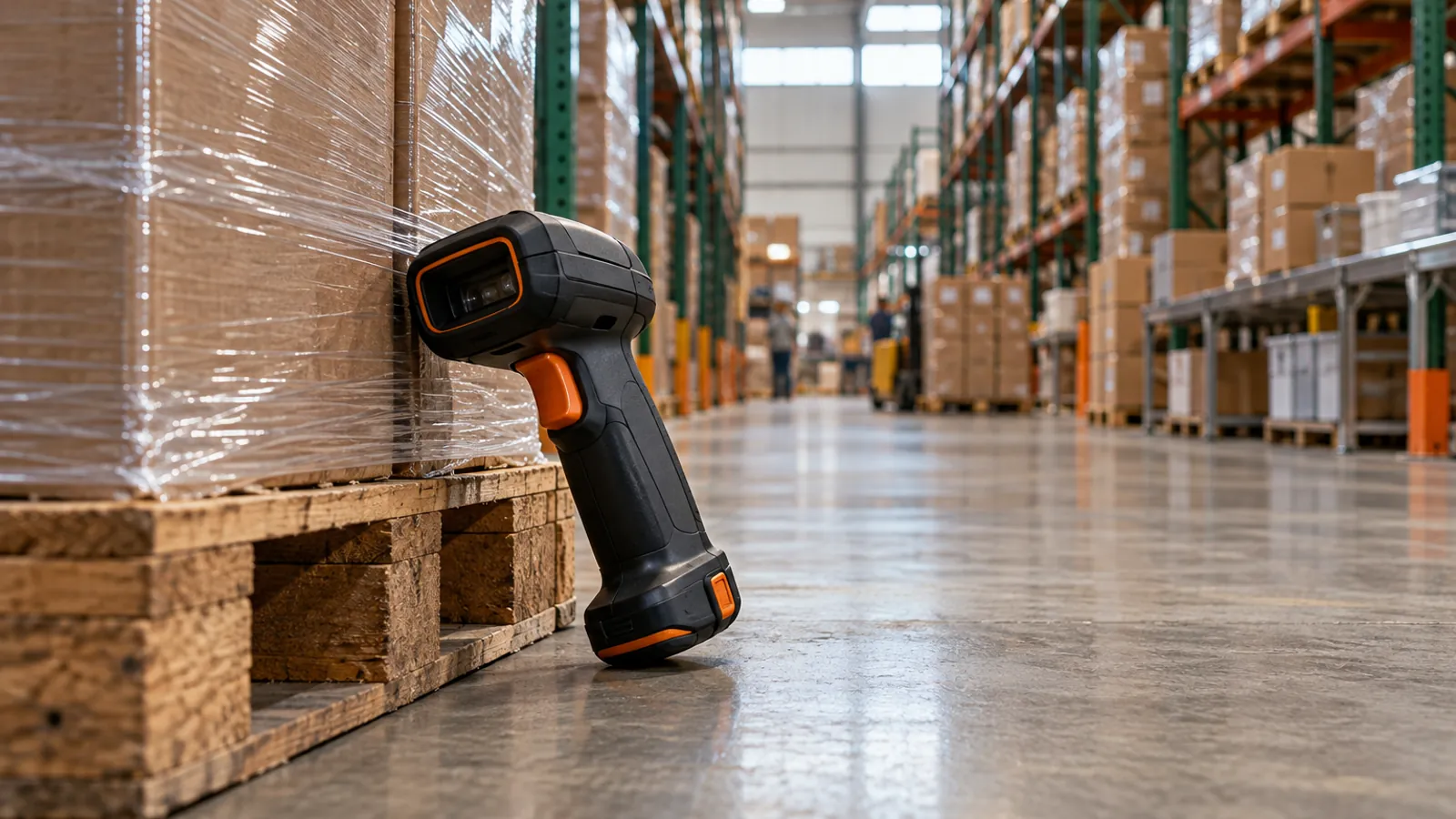
Choose warehouse scanners, printers, and Wi-Fi after a trial with your actual items and working conditions. A scanner that reads a clean sample at a desk may fail through stretch wrap, at rack height, with gloves, or during a network handoff. Define the scan's business meaning as well as its readability. The device must support the proposed WMS workflow and preserve a correct transaction when something goes wrong.
Start with the identity and the unit
List the identifiers your operation uses for products, packs, locations, handling units, and shipments. Establish what each scan should identify and whether it carries a quantity, lot, serial, or other attribute. A product code and a pallet identifier are not interchangeable. Use current GS1 guidance where GS1 identifiers and logistics labeling are required, and confirm trading-partner requirements separately.
Ask how the WMS interprets a code rather than assuming a readable barcode is enough. Test an each and a case of the same item, a location code in an item field, an unknown code, and a damaged code. The application should respond according to the approved workflow. Document when staff can override a scan and what evidence is retained.
Trial devices in real positions
| Condition | Trial to perform |
|---|---|
| Rack height | Scan at the actual safe working distance |
| Stretch wrap | Read representative wrapped surfaces |
| Lighting | Test glare and darker working areas |
| Gloves | Complete entry and correction tasks |
| Long shift | Check battery and replacement workflow |
| Shared equipment | Test login, logout, and accountability |
Use several representative products and packaging conditions, not just the easiest sample. Include curved, reflective, small, or damaged surfaces where relevant. Do not create unsafe reach or driving behavior to obtain a successful scan. Have the safety lead review working methods. OSHA's warehousing materials describe hazards; a software or device trial does not certify the workplace as safe.
Test the network as part of the transaction
Walk the real paths between receiving, storage, picking, packing, and shipping with the proposed devices. Include transitions between access points, loaded racks, dock areas, and any cold-storage or separated zones in scope. Ask a qualified network professional to assess coverage and capacity. A signal indicator on one device is not a complete wireless survey.
During a controlled test, interrupt connectivity at a known point in a transaction. Observe what the user sees, whether a retry is required, and whether the stock movement is applied once. Test reconnecting and logging in again. Do not assume offline work is supported unless the specific application documents and demonstrates it. Record the correct operating procedure for a disconnection.
Include printing and consumables
Test printer compatibility, media size, adhesive, placement, and scan durability under expected handling conditions. Confirm how a damaged or failed print is reissued without creating a conflicting identity. Establish who owns printer configuration and supplies. A successful screen workflow is incomplete if the required shipping or handling-unit output cannot be produced reliably on the floor.
Budget spare batteries, chargers, protective accessories, replacement devices, consumables, and support. Include the time needed to stage, enroll, update, and retire equipment. Ask whether the WMS requires a particular operating system or supported browser version, and verify the supplier's current compatibility documentation. Do not buy a device solely because its marketing sheet lists a broad industry category.
Turn the trial into acceptance evidence
Record the device model, software version, network zone, sample type, task, and observed result. Classify a failure as readability, application interpretation, network, permission, or workflow where possible. Repeat after changes and retain the final approved configuration. Let actual shift staff complete the tasks, including correction and escalation, rather than relying only on a vendor representative.
Use the findings to estimate the required quantity and support model. A spare device is useful only if it is charged, configured, and accessible when needed. Establish a procedure for a lost or damaged unit, including access removal. The deployment should leave the warehouse with an operating process and ownership record, not merely a box of purchased scanners.
FAQ
Is any scanner with the right barcode support suitable?
No. It must also work with the application, operating conditions, distance, ergonomics, battery plan, and network. Trial the complete workflow before committing to a fleet.
Does a readable barcode establish compliance?
No. Identifier structure, data content, print quality, placement, and partner requirements may matter. Verify the applicable standard and contractual requirements.
Should we replace Wi-Fi before the WMS project?
Investigate readiness early, but base changes on an actual assessment of coverage, capacity, devices, and work paths. Coordinate the network plan with the implementation schedule.
Continue your decision
- WMS implementation roadmap: from scope to controlled launch — Organize a WMS project around approved workflows, data readiness, tested interfaces, floor training, and an explicit go-live decision.
- Run a warehouse requirements workshop on the floor — Capture actual receiving, replenishment, picking, packing, and exception requirements in a workshop that leads to test cases.
- WMS data migration: SKUs, units, locations, and opening stock — Prepare warehouse master data, validate unit conversions, and reconcile opening inventory before importing into a new WMS.
- Use the launch readiness checklist to connect this guide to a practical planning task.
- Compare WMS approaches before treating a product category as a complete specification.
Sources and scope
Official pages checked on October 30, 2026. The planning procedures, test scenarios, and worked examples are original editorial guidance, not prescribed standards or evidence of product testing.
- GS1 US — Serialized Shipping Container Codes — Logistics-unit identification and the distinction from product identifiers.
- OSHA — Warehousing — Warehouse hazards and links to applicable safety resources.